
Top Stories
Unlocking Your Android Phone: 5 Innovative Uses for USB-C

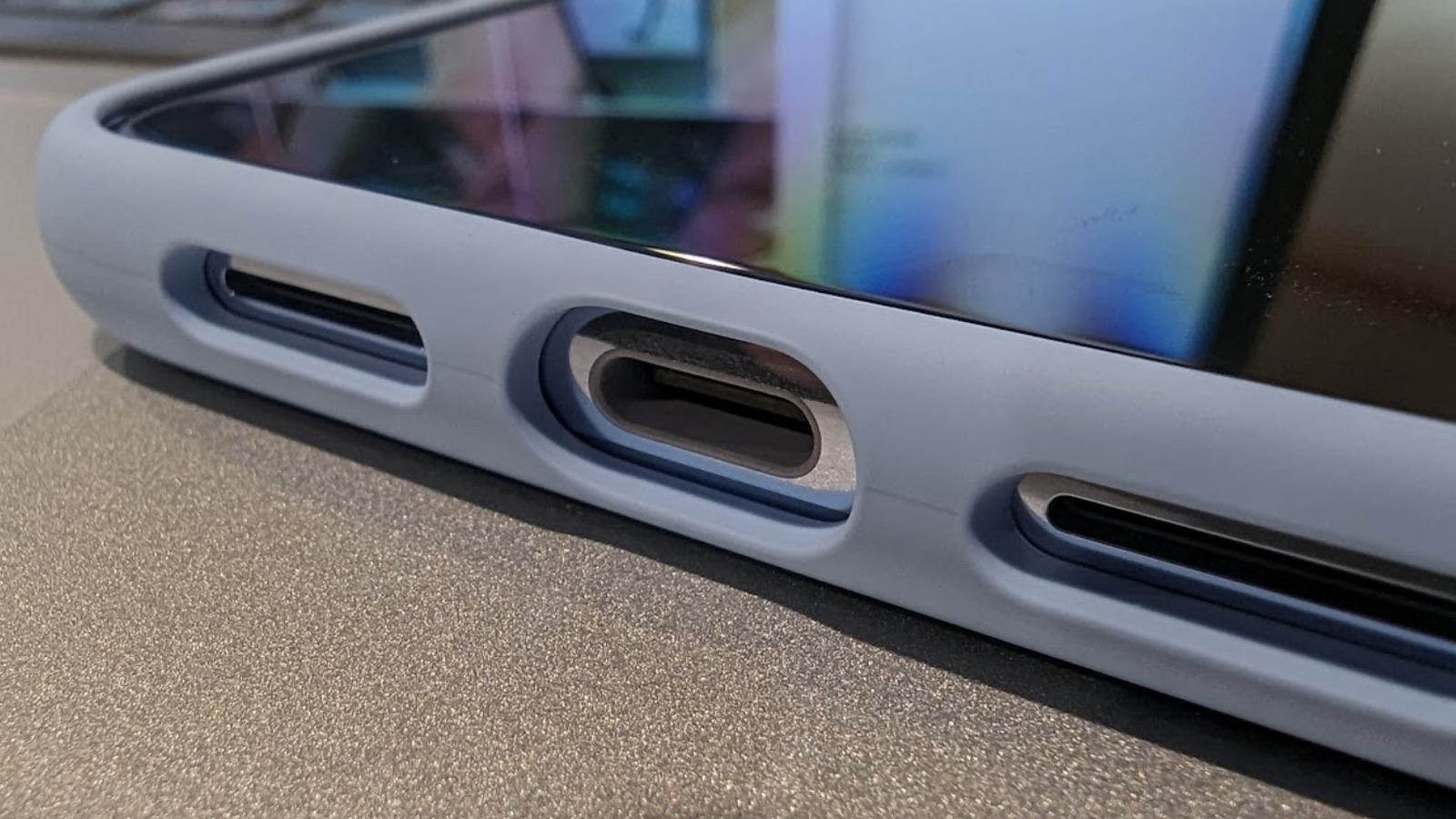
The introduction of the USB-C port has transformed the usability of smartphones, particularly Android devices. Since its emergence in 2014, USB-C has become the standard connector for multiple device types, allowing for a universal charging solution and enabling various functionalities. Notably, the transition has extended to Apple products, with the iPhone 15 series adopting USB-C in 2023. This shift provides users with the capability to utilize a single type of cable for diverse devices, enhancing convenience and reducing clutter.
As technology evolves, the functions of the USB-C port have expanded beyond mere charging. Here are five innovative ways to maximize the potential of your Android phone’s USB-C port.
Enhancing Mobile Gaming Experiences
Mobile gaming has significantly improved, with Android devices now capable of running advanced games. However, the touchscreen interface can limit the gaming experience due to the absence of tactile feedback. This is where the USB-C port proves invaluable, allowing users to connect game controllers such as those from Xbox or PlayStation. By using a compatible USB cable, players can enjoy console-level gaming on their smartphones. For those seeking more portable options, specific controllers designed for mobile gaming are readily available on platforms like Amazon. For example, the 8Bitdo Ultimate Bluetooth controller retails for approximately $49.99, while the more premium Backbone One controller is priced at around $99.99.
Transforming Your Phone into a Productive Workstation
Beyond gaming, the USB-C port can convert your smartphone into a functional workstation. Users can connect a USB-C keyboard and mouse, enabling tasks like email composition, spreadsheet management, and web browsing with greater precision. Many modern keyboards and mice support plug-and-play functionality, eliminating the need for extensive setup. For those without USB-C compatible devices, adapters are available to facilitate connections. For example, the Perixx Permice-209C USB Type-C wired optical mouse is priced at $19.90 on Amazon. To connect multiple peripherals simultaneously, a USB hub such as the Ugreen USB-C Hub can be employed, costing about $17.99.
Additionally, the incorporation of external storage devices like SSDs can significantly streamline file transfers, making your smartphone a powerful productivity tool.
Achieving Fast Internet with Wired Connections
While Wi-Fi and mobile data provide essential connectivity, users may encounter slow speeds or unreliable connections. For enhanced internet performance, connecting an Ethernet cable to the USB-C port can be a game-changer. A compatible USB-C to Ethernet adapter, such as the Ugreen USB-C to Ethernet adaptor, which supports speeds up to 1 Gbps and retails for $14.99, allows for a reliable wired internet connection. Simply plug one end of the Ethernet cable into the phone and the other into a router, and users will enjoy stable internet access—ideal for streaming or video calls.
Improving Audio Quality for Content Creation
For content creators, audio quality is crucial, and while modern smartphones have improved their internal microphones, external options offer superior sound. A USB-C microphone provides a professional audio recording setup that is both portable and efficient. Many high-quality, plug-and-play microphones are available, allowing users to connect directly to their phone’s USB-C port. For those using microphones with a 3.5mm audio jack, appropriate adapters can bridge the gap. Certain camera applications, like Filmic Pro or Open Camera, may be needed to utilize external microphones effectively, ensuring high-quality audio capture.
Connecting to Larger Displays for Enhanced Viewing
Smartphones often include wireless screen sharing features, but when such connections are unavailable, the USB-C port can also facilitate wired connections to external displays. By using a USB-C to HDMI cable, users can project their phone’s content onto a TV or monitor. This setup is particularly useful for enjoying media or creating a mobile workspace. A variety of HDMI to USB-C adapters are available, typically costing between $10 to $20, making it simple to connect and switch display sources.
In conclusion, as USB-C continues to dominate the tech landscape, the versatility of this port on Android phones opens up numerous possibilities. From enhancing mobile gaming to transforming smartphones into productive workstations, users can leverage the capabilities of USB-C to enrich their digital experiences.

Cattle Showcases Thrive at RUAS Winter Fair 2023

UK and US Strike Zero Tariff Agreement on Pharmaceuticals

Maya Jama Stuns in Strapless Ensemble at Qatar Grand Prix

Russia and Saudi Arabia Launch Visa-Free Travel Agreement

ISOLDE Facility Marks 10 Years of Advancements in Nuclear Research

Voters Demand Resignation of Chancellor Rachel Reeves Over Tax Hikes

Shoppers Save 30% on Marks & Spencer’s Viral Velvet Dress

Health Campaigners Urge End to Smoking Exemption for Lounges

Charity Shop Surprise: Woman Finds Joggers Worth £2,000 for £8

Iconic 90s TV Show House Hits Market for £1.1 Million

Milk Bank Urges Mothers to Donate for Premature Babies’ Health

Alessia Russo Signs Long-Term Deal with Arsenal Ahead of WSL Season

Shoppers Flock to Discounted Neck Pillow on Amazon for Travel Comfort

Museums Body Critiques EHRC Proposals on Gender Facilities

Trump Visits Europe: Business, Politics, or Leisure?

Japanese Teen Sorato Shimizu Breaks U18 100m Record in 10 Seconds

Couple Shares Inspiring Love Story Defying Height Stereotypes

Anglian Water Raises Concerns Over Proposed AI Data Centre
-
 Entertainment2 months ago
Iconic 90s TV Show House Hits Market for £1.1 Million
-
 Lifestyle4 months ago
Milk Bank Urges Mothers to Donate for Premature Babies’ Health
-
 Sports3 months ago
Alessia Russo Signs Long-Term Deal with Arsenal Ahead of WSL Season
-
 Lifestyle4 months ago
Shoppers Flock to Discounted Neck Pillow on Amazon for Travel Comfort
-
 Politics4 months ago
Museums Body Critiques EHRC Proposals on Gender Facilities
-
 Business4 months ago
Trump Visits Europe: Business, Politics, or Leisure?
-
 Lifestyle4 months ago
Japanese Teen Sorato Shimizu Breaks U18 100m Record in 10 Seconds
-
 Politics4 months ago
Couple Shares Inspiring Love Story Defying Height Stereotypes
-
 World4 months ago
Anglian Water Raises Concerns Over Proposed AI Data Centre
-

 Sports4 months ago
Bournemouth Dominates Everton with 3-0 Victory in Premier League Summer Series
-

 World4 months ago
Wreckage of Missing Russian Passenger Plane Discovered in Flames
-

 Lifestyle4 months ago
Shoppers Rave About Roman’s £42 Midi Dress, Calling It ‘Elegant’